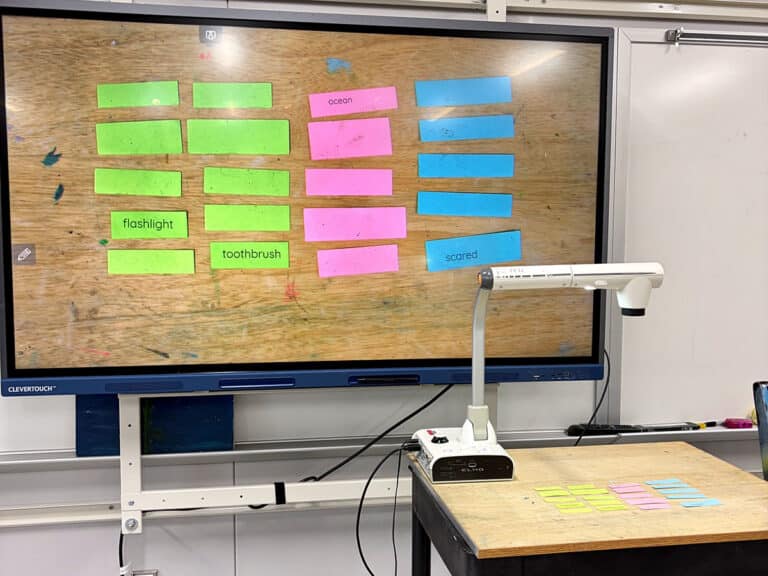

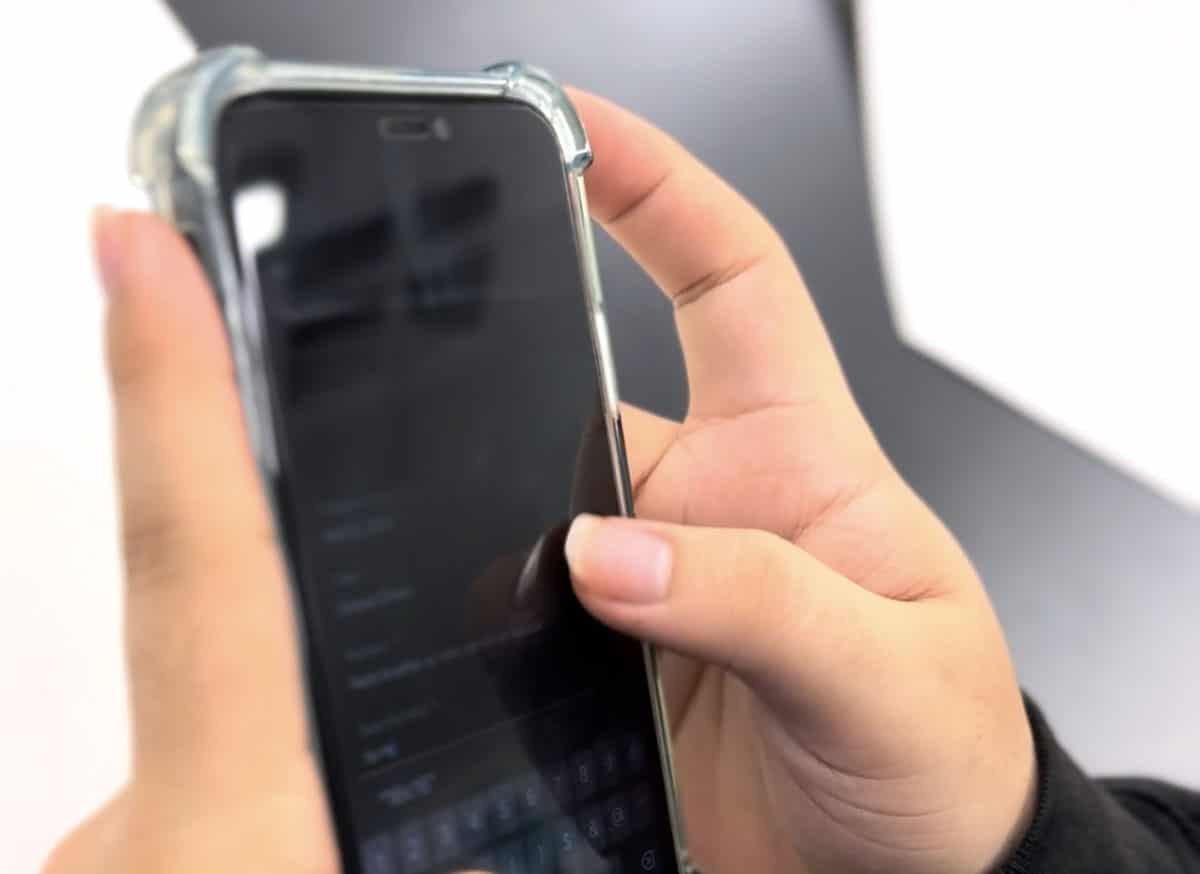
Did you know that over 90% of teenagers in the U.S. own a smartphone? This is probably reflected in your art room. On the one hand, you may struggle to get students’ attention amid the digital noise. On the other hand, you may enjoy having technology at your students’ fingertips for inspiration, research, and documentation. Cell phones are here to stay, so it’s worth exploring how to balance the best of both worlds: artmaking with technology and solely hands-on approaches.
Are you team cell phone, screen-free, or a balance of both? Wherever you land, keep reading for strategies to make your art room a positive space for learning and artistic growth.
Note: Follow district and school policies regarding cell phone use.

Embrace cell phones in the art room!
Cell phones are deeply woven into our daily lives, and in the art room, they can serve as a valuable educational tool. Many students have their own phones or district-issued devices for technology right in their pockets. There are so many digital platforms out there for students to use, including your district’s Learning Management System (LMS), Padlet, and Kahoot! There are boundless opportunities for all stages of learning, thanks to the ease and accessibility of cell phones.
Here are some more benefits of using cell phones for learning:
- Document artwork.
Capture step-by-step process photos to highlight growth. - Take reference photos.
Use these later as original reference material for drawing or painting projects. - Zoom in on classroom visuals.
Students can stay in their seats but still see the board or a demo. - Snap proud moments.
This builds their confidence and ownership in their work. - Explore artists, movements, or styles.
Search for relevant inspiration for their own artmaking in seconds. - Translate material.
Download apps to bridge language barriers and make the art room more inclusive. - Listen to music.
Research shows that listening to music while working can boost focus. - Guide students in digital citizenship.
Teach students how to use the internet responsibly. - Discuss AI.
The role of Artificial Intelligence and ethical use is ever-evolving, and students need a space to talk through new features and their potential impact. - Look at visual culture and the influence of social media.
This is another form of continually changing technology that can benefit from mediated conversations and intentional reflection prompts.
The benefits also extend to teachers. Cell phones can open the door to authentic teachable moments, such as the ones listed above. Having cell phones in your apron pocket allows you to document student work, making it easy to advocate for your program down the line. Pull up photos for grants, newsletters, and displays so administration, colleagues, parents, and the community can see what your students have been up to!

Cell Phone-Friendly Art Room Ideas
Set up a photo-documenting station in your art room.
Students naturally love taking photos in their downtime. Channel this into a purposeful activity that teaches students how to take strong, clear pictures. You’ll also end up with a vast archive of student work that they can throw into a digital portfolio, and you can use in future slide presentations.
Take your students on a photography scavenger hunt with paint chips!
Whether inside the school building or outdoors around campus, scavenger hunts are always a hit. Assign student groups a color palette using paint chips. Have them select two colors and find objects that match as closely as possible. They’ll document their discoveries with photos that they’ll share with the whole class at the end.
Create comic strips with voiceovers.
Cell phones can also double as high-quality microphones. After creating comic strips, students record simple voiceovers to bring their characters to life. For inspiration, watch the episode of Art Room Hacks below.
For more technology-infused ideas, check out the resources below:
- 3 Ways to Advocate for the Arts Using Video
- How to Create Ethically Responsible Digital Surrealism with AI for the K-12 Art Room
- How to Teach Video in One Second
Embrace tech-free and screen-free time in the art room!
Unlocking the screen of a device also instantly unlocks an overwhelming amount of information and notifications. Students are inundated with content, both true and false, at an alarmingly high rate, creating feelings of anxiety. Give students a much-needed break and make your art room a magical refuge with more art and fewer screens. These intentional pauses allow students to focus, practice balance, and engage in traditional artmaking practices.
Here are some more benefits of going screen-free for learning:
- Strengthen focus.
There’s no such thing as multitasking! Students can concentrate on one task at a time without the pull of notifications. - Generate original ideas.
Dedicate a little more time and thought up front to developing ideas for a bigger reward in the end. - Immerse in hands-on learning.
Students really enjoy tactile-based processes! - Reinforce traditional research skills.
Practice looking up information in alphabetical order, and investigate and solve problems with only their brains. - Prioritize classroom management areas.
You’ll have fewer battles over off-task phone use and will have more capacity to troubleshoot the things that matter. - Build relationships.
Provide fun icebreakers or conversation starters during artmaking. - Boost observational drawing skills.
This gives students an understanding of perspective, proportion, and detail that they can’t learn from a photo. - Raise engagement.
Say goodbye to boredom! The period will fly by when you challenge students to actively use their thinking skills. - Decrease comparison and perfectionism.
It’s more realistic to look at a peer who has a similar level of experience than a professional who posted a perfect video of a perfect artwork in seconds. - Model a healthy balance.
The majority of students grew up with cell phones and are unfamiliar with life without one. Show them what different tasks can look like without the use of technology.
The benefits also extend to teachers. After all, what art teachers love most is making art and spending time with students as they do the same. There’s nothing better than sitting down to create art with students while chatting about life and increasing your joy! A huge way to advocate for your program is to invite stakeholders to visit your classroom and see students engaged in art, in action, without a phone in sight.
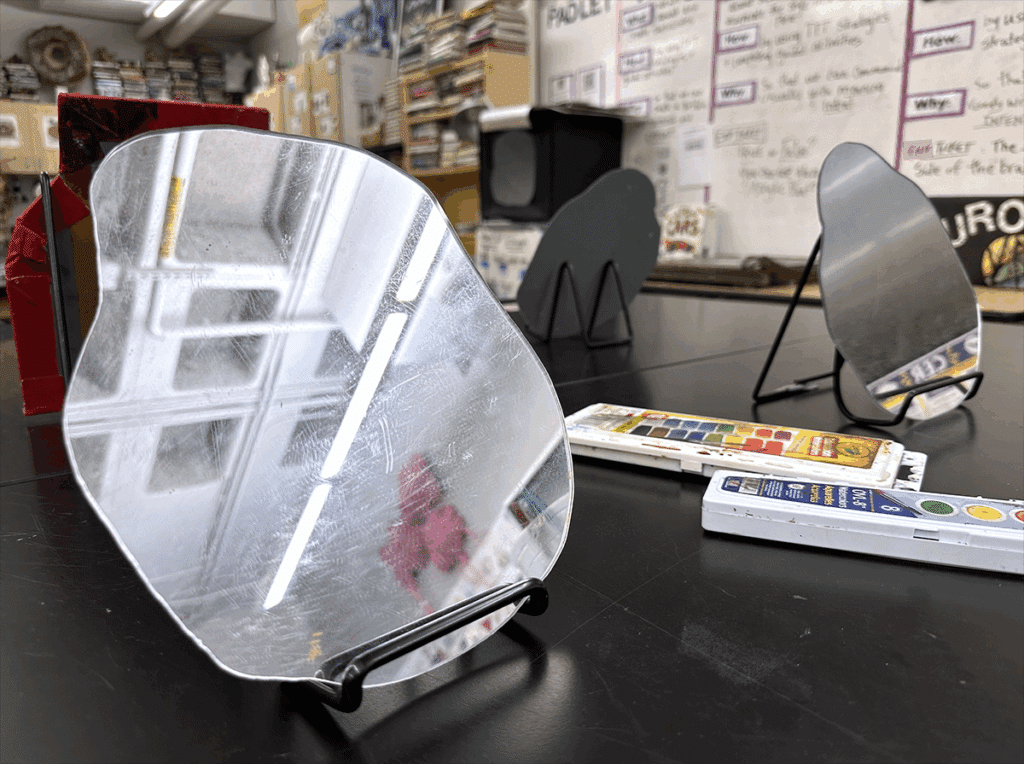
Screen-Free Art Room Ideas
Use the flipbook technique for creative prompts!
A classroom reference station stocked with art books, magazines, printed images, and prompt cards is great—but getting students to actually use it can be tricky. Try the “flip book” method. Students will flip through any reference for three seconds, stop, and let their finger land on a random word. Repeat three times. Then, challenge them to combine those words into a unique drawing prompt. Instant creativity unlocked!
Squeeze in more blind contour sketches.
Students often feel stuck without a phone to reference an image. Enter blind contour drawing. Not only does it strengthen observational skills, but it’s also a low-pressure, laughter-filled way to connect. Pair students up to draw you, and then each other, to build skills and relationships at the same time.
Build a classroom playlist.
If students miss listening to their own music during studio time, consider a shared classroom playlist. This can be student-curated or teacher-led. To make it simple, rotate genres by day. For example, Monday Pop Hits, Tuesday Classics, Wednesday Country, Thursday Relaxation, and Free Fridays. If you don’t want to take the time to put this together, hit play on one of the many pre-made playlists in The Art of Ed Community.
For more screen-free ideas, check out the resources below:
- The Magic of the Art Room: 13 Mystical Media That Continue to Mystify
- Teaching Caricature for the First Time? Tips, Ideas, and Lesson Inspiration
- 3 Subtly Effective Ways to Manage Screen Time in the Art Room
Phones, no phones, or somewhere in between, what matters most is fostering creativity and connection. Cell phones can be a fantastic and convenient tool for research, reference, and documenting the artmaking process. But when phones aren’t available or your students just need a screen break, turn to books, observational drawing, and magical mediums to promote balance and originality. When we guide students to use technology intentionally and give them a space to unplug, we model how creativity can thrive in any setting.
How do you navigate cell phones in your art room?
To chat about cell phones with other art teachers, join us in The Art of Ed Community!
Magazine articles and podcasts are opinions of professional education contributors and do not necessarily represent the position of the Art of Education University (AOEU) or its academic offerings. Contributors use terms in the way they are most often talked about in the scope of their educational experiences.